
Laser engraving machines can cut and draw detailed patterns on many materials. Using these machines requires a certain amount of skill and sometimes things can go wrong on the job. This guide will help you solve common problems that arise when using a laser engraving machine, whether you are just starting out or have been using one for some time. To get the best results, it is important to know how to quickly identify and solve these problems.

Common Problems and Solutions
Laser engraving machines are great for creating detailed designs. However, these machines can also encounter problems that can affect the aesthetics of your work. Here are some of the most common problems you may encounter when using a laser machine, as well as ways to solve them.
Uneven results
Sometimes the laser is unable to cut or mark uniformly on a material. This happens when the surface you are working on is not perfectly flat and smooth. Raises, depressions or dirt on the surface can cause this problem, and sometimes the laser itself may not be aligned. Here is the solution:
Clean the material before you start. Make sure there is no dust or oil on it. Hold the material firmly in place so that it does not move while you are working. The material must remain perfectly still. Check that the distance between the laser and the material is appropriate. Getting this right will result in a clear and sharp design.
Burn marks
No one wants unsightly burn marks on their work. These dark colored marks appear when you use a laser engraver and the material gets too hot. Burn marks occur when the laser is too strong or moves too slowly across the material. Ways to avoid burn marks
Try different powers and speeds until you find the right one. Test on a spare workpiece first, this will help find the right method. Either reduce the power of the laser or make it move faster. Keep adjusting until your design looks clean and tidy without any burn marks.
Missing Parts in Your Design
Sometimes parts of your design don’t show up on the material. Your design might not be deep or clear enough to see properly. This usually happens because the laser isn’t strong enough or something is blocking its light. Here’s what to do:
Turn up the laser engraver’s power bit by bit until your whole design shows up clearly. The laser needs enough power to mark your material properly. Clean the laser’s lens and mirrors often. Dust can block the laser’s light and make it weaker, so keeping everything clean helps you get better results.

When the pair is not on line
Your design may not end up where you want it on the material. When the laser head is not perfectly aligned with the material, your design may look off or distorted. This problem can occur if you do not check that everything is aligned before you start working. You can fix this problem by doing the following
Carefully check the alignment of the lasers before you start working. Even the slightest deviation can mess up the entire project.
Make sure your material doesn’t move around as you work. Keep everything completely still throughout the process.
When the laser engraving machine is too noisy
Sometimes, your laser engraving machine may make a strange noise. This extra noise usually means that some part inside the machine needs to be repaired or cleaned. The noise usually comes from parts that have been loose for a long time, or parts that need lubrication to move smoothly. You can do this:
Look for loose screws or parts in the machine. Tighten the loose parts to get the laser engraving machine running quietly again.
Apply some special oil to the moving parts. Using the right oil will help the machine work smoothly and quietly.

Tips for Maintaining Your Laser Engraving Machine
Here are some ways to keep your laser engraver in good working order. These tips can help you avoid problems and get better results from your projects.
Regular cleaning and maintenance
Every machine needs regular maintenance to work optimally. Keeping your laser machine clean and well maintained will help prevent many common problems and keep it running smoothly. Please do the following:
Clean the mirrors and lenses frequently to keep them free from dust. Dirty parts will make the laser machine work poorly.
Look for loose parts and tighten them. A single loose screw can cause problems.
Oil moving parts when necessary. This helps all parts work smoothly and quietly.
Testing before starting
Always test the setup on spare material first. This quick step prevents ruining good material and helps you find the right setup for your project. Try to use a test material that is similar to the material you will use for your final project. Keep adjusting the power and speed of the laser engraver until you get the results you want.
Using the right material
Not all materials can be cut safely with a laser. Some materials work well with lasers, while others may be dangerous or impossible to use. Check that your material is safe to use with the engraver. Test a small spot first to see how the material reacts to the laser. Different materials require different settings to work properly.
Pay attention to safety
Laser engraving machines can be dangerous if not used carefully. Safety should always be a priority when using the machine. Always wear special glasses to protect your eyes from strong lasers. Make sure to follow all safety rules that come with the laser machine. Work in an air-conditioned room to avoid inhaling fumes.
Read the manual
The laser engraver’s manual has a lot of useful information. It tells you exactly how to use your particular machine and solve common problems. When a problem arises, check the manual first. The manual lists the best settings for different materials and tells you how to properly care for the machine.
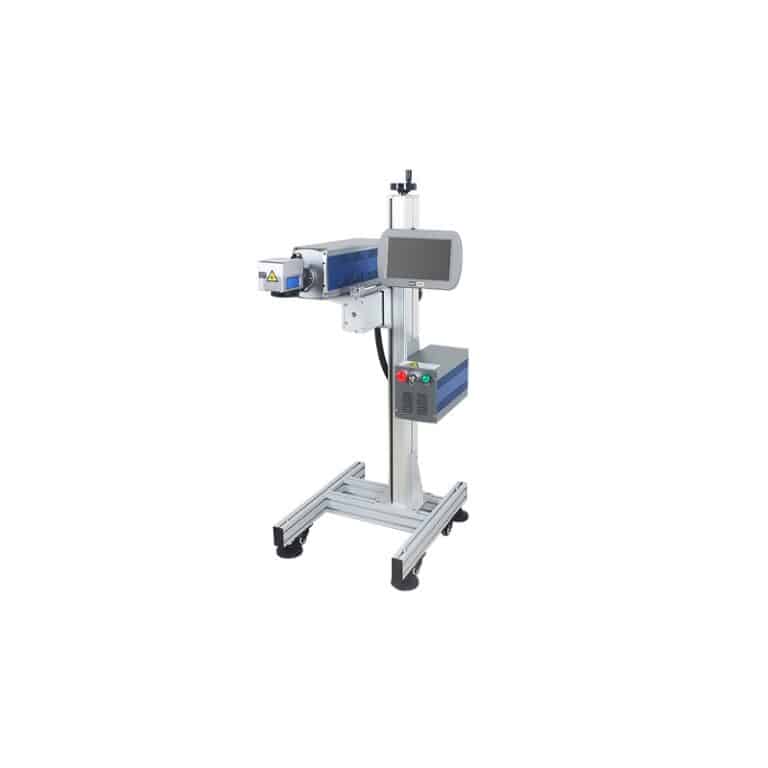
Try Out Riselaser Laser Engraving Machines Yourself
Want to see how our laser engraving machines work before buying one? We can show you exactly what these laser machines can do in person. At Riselaser, we know picking the right machine isn’t easy. Our team will give you a personal demonstration and let you test the machine with your own materials and designs to see if it’s right for you.
Final Thoughts
Laser engraving machines can create amazing designs on many materials. Sometimes problems can pop up when using your engraving machine, but they’re usually easy to fix if you know what to do. Understanding issues like uneven cutting, burn marks, and things not lining up right will help you fix them quickly. The tips in this guide make solving these problems much easier.
Taking good care of your laser machine is very important. This means cleaning it regularly, keeping everything lined up right, and making sure you’re using materials that work well with lasers. Always put safety first when using your machine. Testing on spare pieces helps you get the settings just right before working on your real project.
Now you have all the information you need to get great results from your laser engraving machine. Whether you’re just starting out or have been using laser machines for years, knowing these tips will help your projects turn out better. Good preparation and the right knowledge make all the difference in getting the results you want.